How To Digitize And Organize Old Family Photos
 By Lisa Ben
·
October 25, 2026
·
9 min read
By Lisa Ben
·
October 25, 2026
·
9 min read
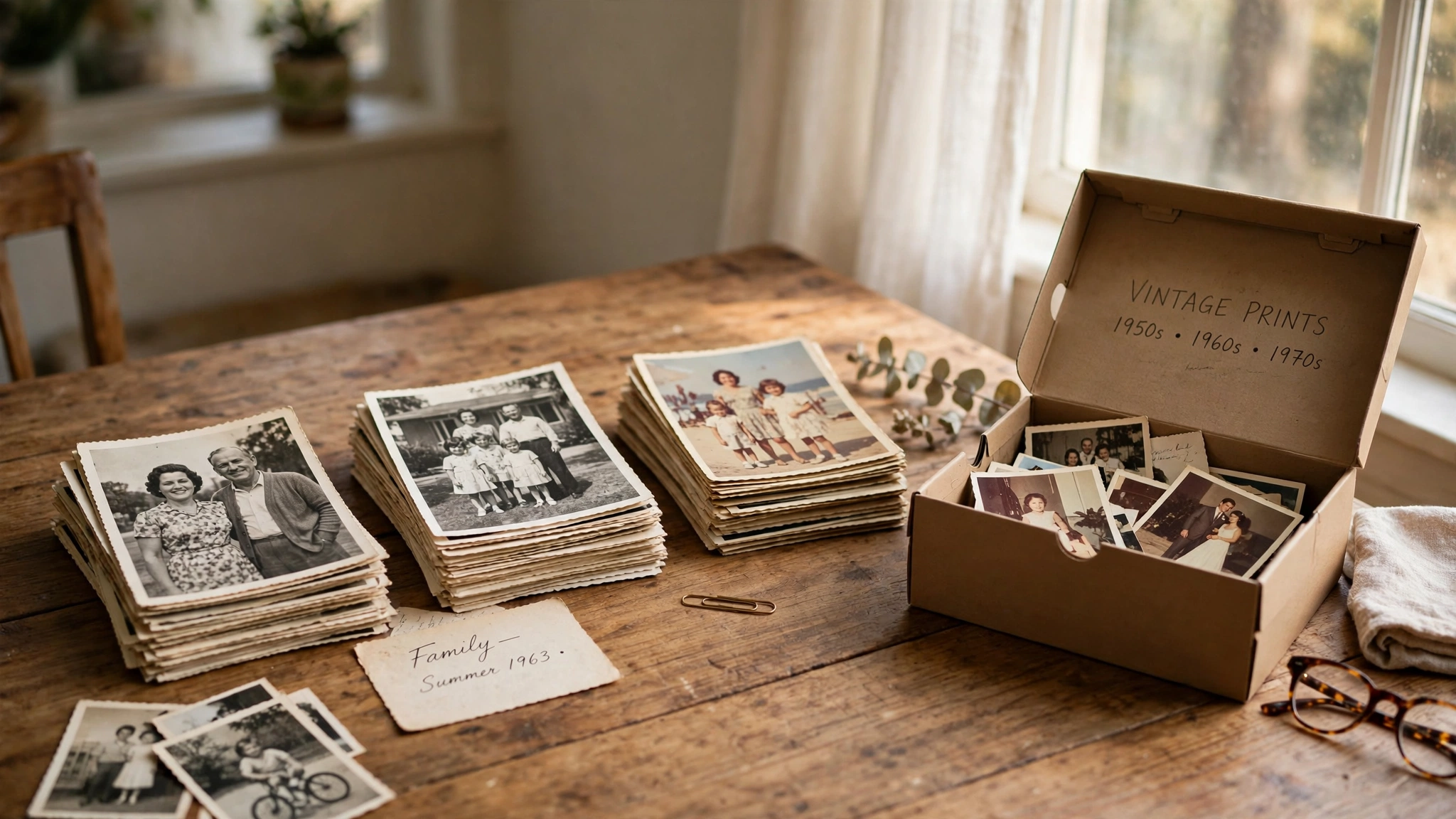
Every family has them somewhere: the shoeboxes on top of a wardrobe, the albums with the sticky pages, the carrier bag of loose prints nobody can quite date. Ours came down last spring when we cleared my mum's spare room. Three shoeboxes, two albums and a bag, holding roughly sixty years of birthdays, holidays and people I could only half name.
The job was never really "scanning". It was getting those photos safe, named while someone still knew the names, and into a shape the whole family could open. Here is the method that worked, in the order I would do it again.
Be honest about the scale before you start
One shoebox is an afternoon. A loft full of albums is a season of Sunday sessions, and both are fine, as long as you know which one you have. The mistake is setting a finish line called "all of it". Projects like this die at box three, when the table is still covered in week six and everyone quietly stops sitting near it.
Work in batches instead. One batch is one box or one album, and a session ends when that batch is scanned, named and backed up. Set up a corner that can stay up between sessions: the end of the dining table, a soft cloth, your phone, a notebook. If you have to rebuild the whole setup every time, you will find reasons not to.
Sort before you scan
Scanning is the easy half. Sorting is the work, and it has to come first, because there is no sense spending two minutes each on photos nobody needs. I sort into three piles:
- Keep and scan. The best version of each moment. These are the archive.
- Scan, then let go. Good photos of minor moments. The scan is enough; the paper can leave.
- Let go without scanning. Blurry shots, cut-off heads, the inside of someone's handbag, and nine of the ten near-identical photos of the same birthday cake.
That third pile is where people stall. Keep the best two of a set and let the rest go. A duplicate nobody can tell apart from its twin is not being preserved, it is being stored.
If you can, do the sorting with family around. This is the part where the knowledge lives: somebody will pick up a print, squint, and say "that's Aunty May, that must be the caravan, so that's before the house move" while reaching for a biscuit. You cannot buy that information later. Write names on sticky notes as you go, never in pen on the print itself.
Three ways to capture them, honestly compared
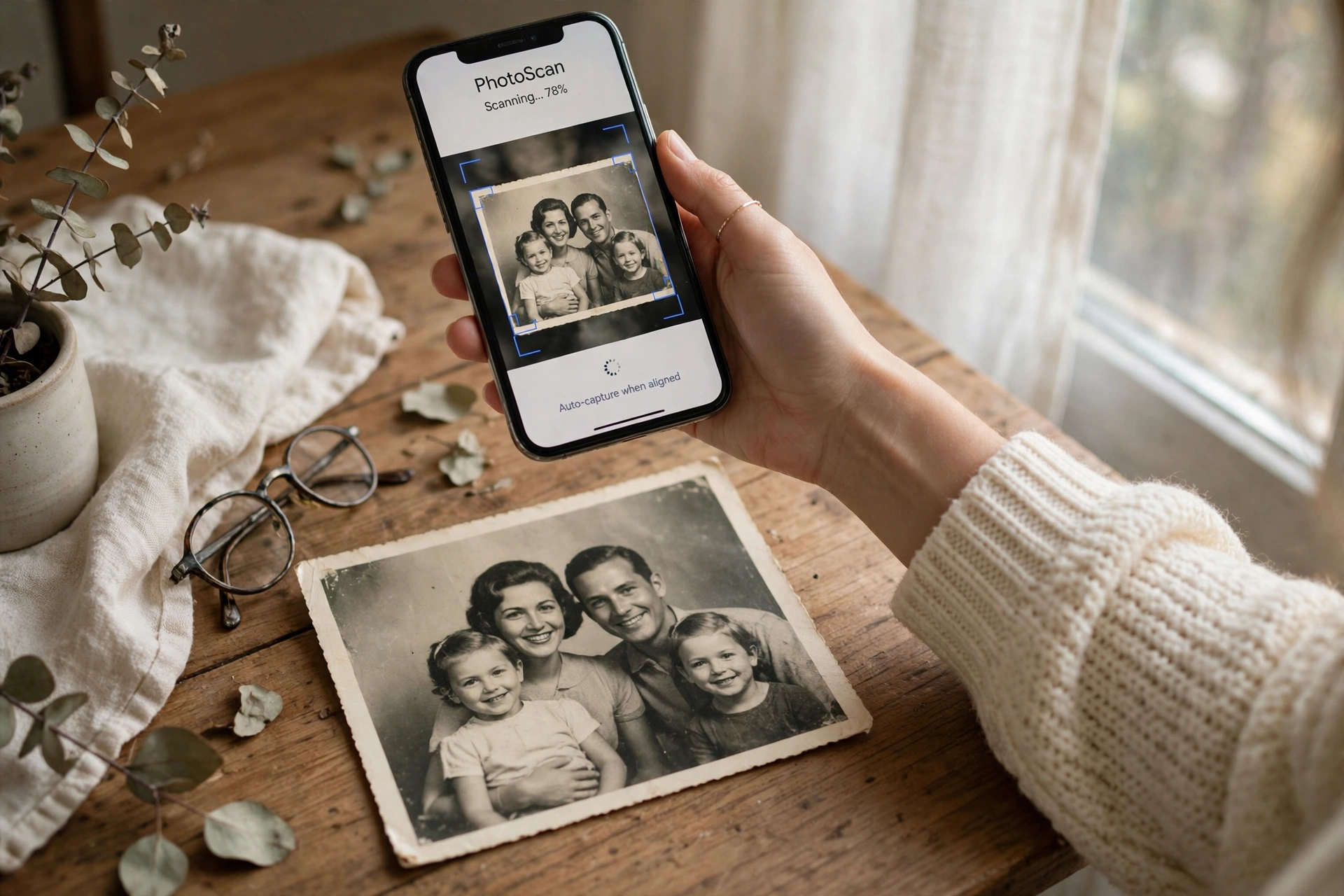
A phone scanning app is what I used for most of ours. It finds the edges, straightens the shot and evens out the light, and it is fast: a photo every twenty seconds once you are moving. The honest verdict is that it is genuinely fine for most family photos. Sharing online, printing again at normal sizes, showing on a screen: nobody will ever know or care that it came from a phone.
Photographing the print with your ordinary camera app works too, and it is the only option for prints stuck in albums. Stand the album by a window in daylight, turn the flash off, and hold the phone square-on and level. Glare is the enemy here. If you can see a bright window reflected in the print, move yourself, not the photo, until it clears.
A flatbed scanner is the slow, good one. One print at a time, a minute or more each, but it gives you the best file: the one you want if a photo will be enlarged, framed or restored. My rule is phone for the many, scanner for the few. Borrow a scanner if you can. Most households need one for a month, not for life.
The workflow for every single photo
Once you settle into a rhythm, each photo gets the same four moves. First, a gentle wipe with a soft, dry cloth. Dust shows up in scans as white specks, and thirty seconds now saves retouching later. Keep water and sprays away from prints entirely.
Second, capture it. Third, and this is the whole trick, name the file immediately, while the photo is still in your hand and you still know who is in it. Next week you will not remember. Next year nobody will.
I use one pattern all the way through: year, person, event. So a file becomes 1987-mum-garden-party. Where I do not know something, the file says so: 1974-unknown-dad-beach. Never guess a name and file it as fact. A wrong name is worse than an honest "unknown", because nobody ever questions it again, and in thirty years it will be quoted as the truth.
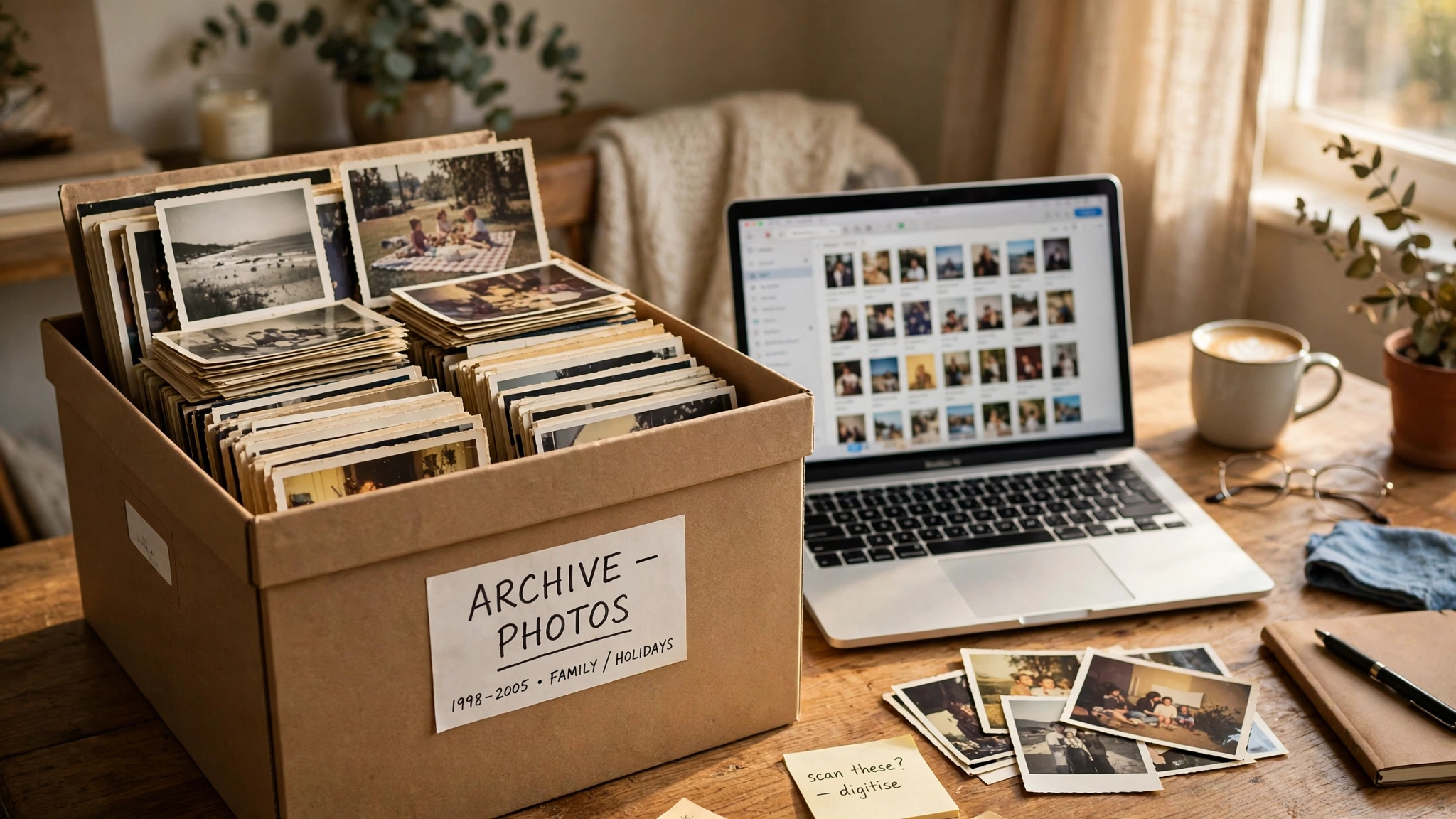
The two-minute rule: if naming one photo is taking longer than the scan did, it goes in the "unknowns" folder and you keep moving. You can take the list of unknowns to your family later. Perfection, one photo at a time, is exactly how box three wins.
A folder system you will actually keep
Pick one way of dividing the archive and stick to it: one folder per decade, or one per branch of the family. Not both. Two systems at once means a folder tree that takes longer to maintain than the scanning did, and it will be abandoned by Christmas.
The file names do the heavy lifting anyway, and that is deliberate. A photo will leave its folder, the first time someone emails it to a cousin, and when it does, the name travels with it. A file called 1987-mum-garden-party identifies itself anywhere on earth. A file called IMG_4021, sitting in a clever folder, identifies nothing once it moves.
Keep one plain text file alongside the folders: an index of the unknowns. One line each, with the file name and whatever you do know. "Woman in blue coat, our garden, maybe 1982." Take it to family gatherings and leave it on the table. It gets answered in pieces, over months, and that is fine.
Back it up like you mean it
This is the rule the whole project stands on, and it is usually called 3-2-1. In plain words: three copies of the archive, on two different kinds of storage, with one copy living away from your house.
My version looks like this. The working copy sits on my laptop. A second copy lives in cloud storage. The third is on a portable drive that lives at my sister's house, and I update it when I visit. If my laptop dies, two copies survive. If the house has a fire or a flood, one copy was never in it.
A single hard drive in a drawer is not an archive. It is a single point of failure with your grandmother on it. Drives fail quietly, without asking permission, and usually on the one week you meant to get round to copying them. And whatever you set up, open the backups once and check the files actually load. An untested backup is a hope, not a backup.
Share it back with the family
When a batch is done, put it somewhere the whole family can open it: a shared album or a shared folder. Half the value of this project is in what comes back. Cousins will name faces you could not. Somebody has the other half of a story you only have the end of. Send the unknowns list with it, too. People cannot resist correcting a list.
What to do with the paper originals
The best prints stay. Put them in one acid-free box, labelled by decade, and store it somewhere dry and steady: a wardrobe shelf is kinder than a loft, which swings hot and cold all year. Keep any album with handwriting in it, even if you scanned every page. The notes in the margins are part of the record.
Albums you scanned in full, and prints in the scan-then-let-go pile, can leave with a much lighter heart once the scans are safe. But not the same week. Never throw originals away in the same week you scanned them. Give it a month, check the scans open, check the backups are real, and then decide. A month of patience costs you one box of space, once.
One gentle warning
Somewhere in box two, a photo will stop you mid-session. Someone who is gone, caught young and mid-laugh, in a kitchen that no longer exists. That is the whole point of doing this, and it is also the hard part of doing this. Pace yourself. A session is allowed to end early. The archive will still be there on Sunday, and it does not need you crying over the kitchen table to get finished.
Four ways this project goes wrong
- Scanning in random order with camera file names. Six hundred files called IMG_something is just a digital version of the shoebox.
- Leaving backups until "the end". The end is months away, and everything you scanned sits on one device until then.
- Binning the originals before opening the scans. One corrupt batch, found too late, is gone for good.
- The heroic single weekend. Two days, six boxes, total burnout, and the sorting station still set up on the table in March. Small batches are not the slow way. They are the way that finishes.
Questions I get asked about scanning family photos
What about negatives and slides?
You can get a decent result at home: put the negative or slide on a lightbox, or on a tablet showing a plain white screen, and photograph it with your phone, then flip the colours in any basic photo editor. That gives you sharing quality, which is plenty for most. For the handful of negatives that really matter, a lab scan is worth paying for once. They have the equipment, and you only need it for the best few.
What resolution should I scan at?
On a flatbed, scan at 600 dpi for any print you might one day enlarge, frame or have restored. Use 300 dpi for prints that will only ever be shared or reprinted at the same size. Going much higher mostly makes bigger files rather than better photos, because the print itself only holds so much detail to capture. On a phone app, you do not choose: it captures what the camera gives it, and for sharing that is enough.
My photos are stuck in a sticky-page album. Do I peel them out?
Carefully, and only if they come willingly. Those sticky pages grip harder every decade, and forcing a print off can tear the back or take the surface with it. If a print resists, leave it where it is and capture the page in place: window light, flash off, phone square-on. A slightly less perfect scan of an intact photo beats a perfect scan of a torn one.
How long does it honestly take?
Once you are in a rhythm, one to two minutes per photo, including the naming, with the sorting on top. A shoebox of two hundred prints is two or three Sunday sessions, not one heroic day. The scanning was never the slow part. The naming is, and it is also the part worth every minute, because it is the bit nobody can reconstruct later.
Start with one box. Sort it, scan it, name it, back it up, and send it to your family before you touch box two. Tell me in the comments how many boxes you are facing, and whose names you are hoping somebody can still remember.
Lisa Ben
Lisa paints, builds, thrifts and rearranges her way through one very patient house, then writes down everything she learns here on Wazala. She is working through her family's photo boxes one Sunday at a time, and she names every file before she is allowed a cup of tea. New projects land every Tuesday, Thursday and Saturday, and the Sunday Letter rounds them up once a week.
You might also like
Small Closet, Sorted: The Two-Hour Edit
One small closet, emptied, edited and put back so everything fits without a fight.
Read more →
The Weekly Cleaning Schedule That Keeps A House Caught Up
A short daily list instead of one giant weekend clean, and the house stays on top of itself.
Read more →
How To Organize A Small Pantry When The Shelves Are Too Deep
Deep shelves swallow tins. Bins, risers and labels bring everything back within reach.
Read more →